怀旧系列:Windows早期版本——意义非凡的系统:Windows XP 图赏

怀旧系列:Windows早期版本——意义非凡的系统:Windows XP 图赏-软件
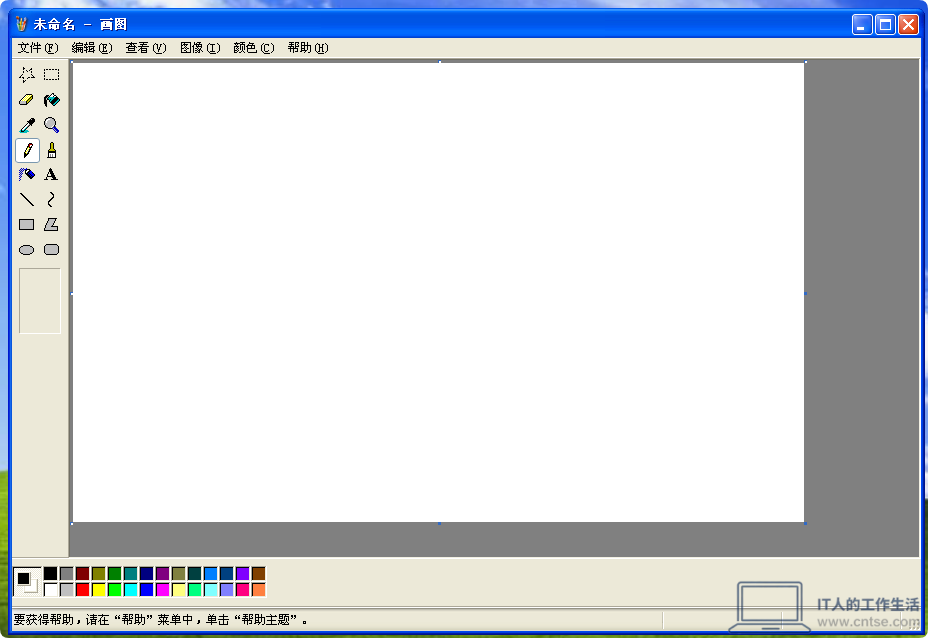
“画图”程序,功能和前面的版本基本一样
怀旧系列:Windows早期版本——意义非凡的系统:Windows XP 图赏-软件1
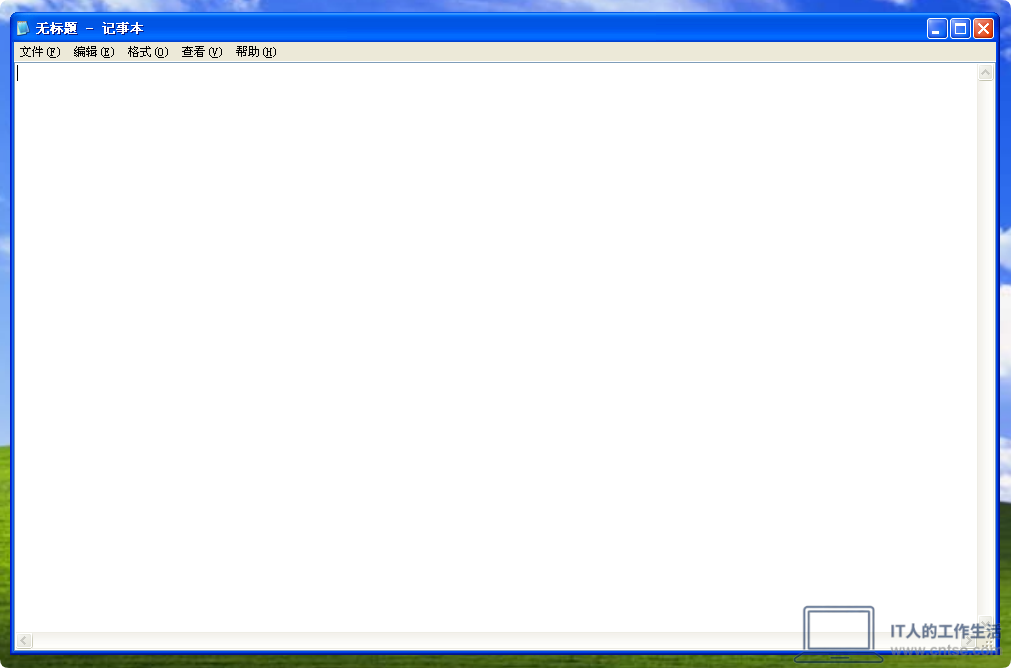
“记事本”程序,功能和之前的版本一样
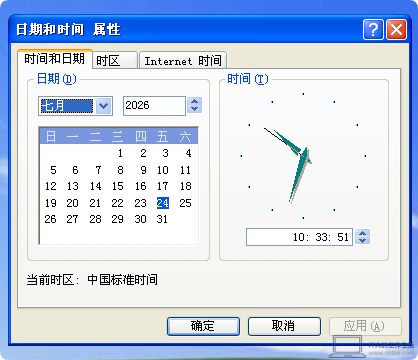
怀旧系列:Windows早期版本——意义非凡的系统:Windows XP 图赏-软件2
“日期和时间”属性,新增了利用 Internet 同步时间的功能

提示:这是一个看似简单但实际上相当有用的一项功能,有了它,不用经常手动修改电脑时间了,可以确保电脑时间的准确性
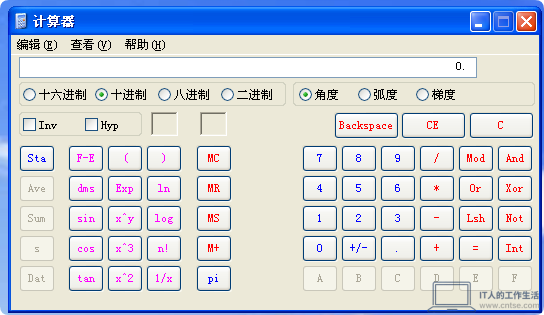
怀旧系列:Windows早期版本——意义非凡的系统:Windows XP 图赏-软件3
“科学型”模式下的“计算器”程序,与之前的版本基本一致
怀旧系列:Windows早期版本——意义非凡的系统:Windows XP 图赏-软件4
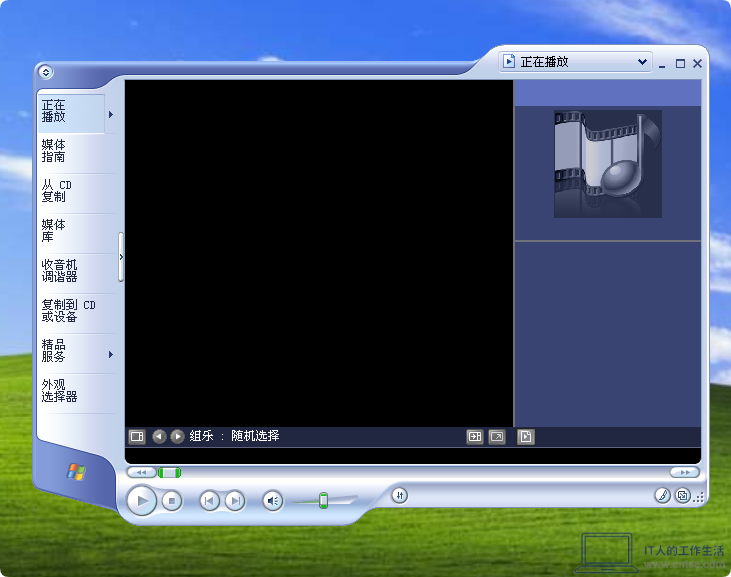
Windows Media Player 9

提示:这是笔者自己更新的,Windows XP 原配的是Windows Media Player 8
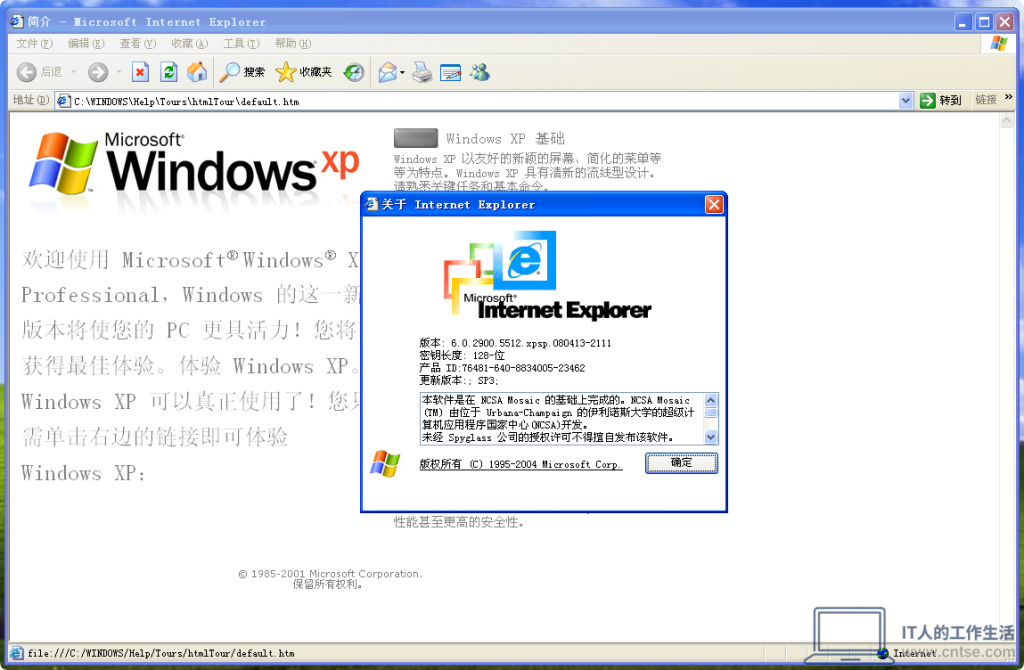
怀旧系列:Windows早期版本——意义非凡的系统:Windows XP 图赏-软件5
Windows XP 原配的 Internet Explorer 6,后期可以升级到 Internet Explorer 8
怀旧系列:Windows早期版本——意义非凡的系统:Windows XP 图赏-软件6
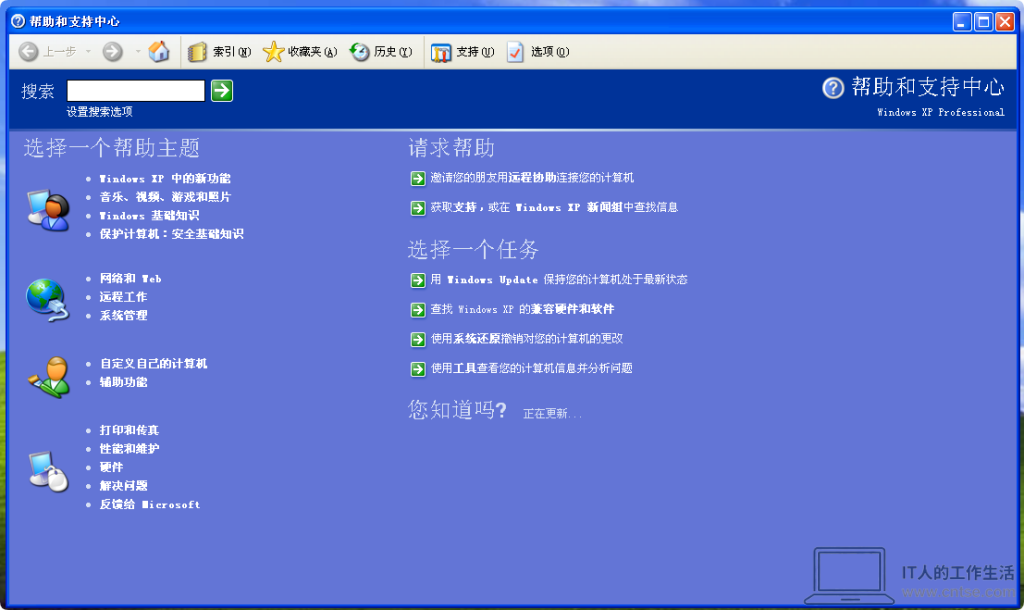
Windows XP 的“帮助和支持”中心,这是个继承自 Windows Me 的一项功能
怀旧系列:Windows早期版本——意义非凡的系统:Windows XP 图赏-软件7
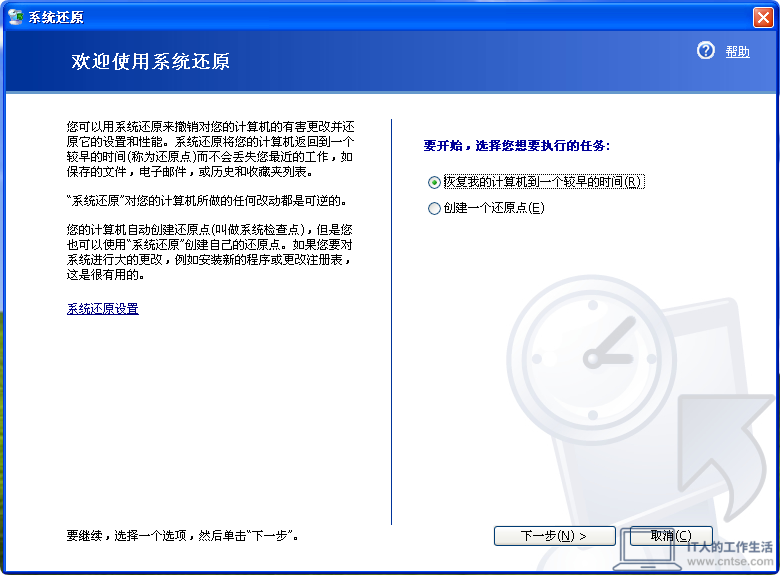
同样继承自 Windows Me 的“系统还原”功能,但是结合NT系统的特性做了大量的改进
怀旧系列:Windows早期版本——意义非凡的系统:Windows XP 图赏-软件8
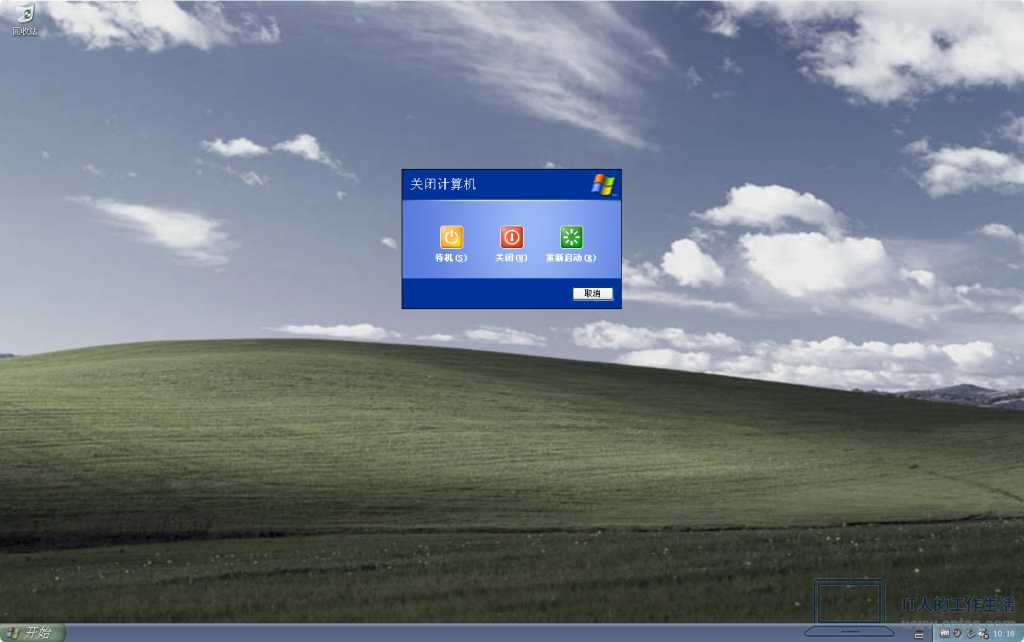
使用“欢迎屏幕”环境下的 Windows XP 关机选项画面
怀旧系列:Windows早期版本——意义非凡的系统:Windows XP 图赏-软件9
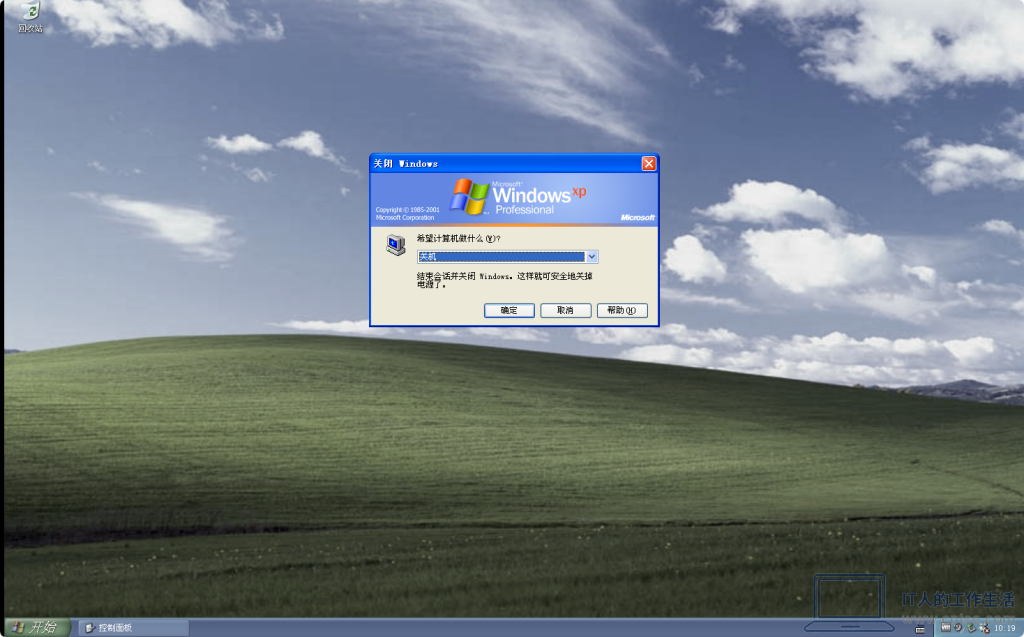
使用经典模式下的 Windows XP 关机选项画面
怀旧系列:Windows早期版本——意义非凡的系统:Windows XP 图赏-软件10
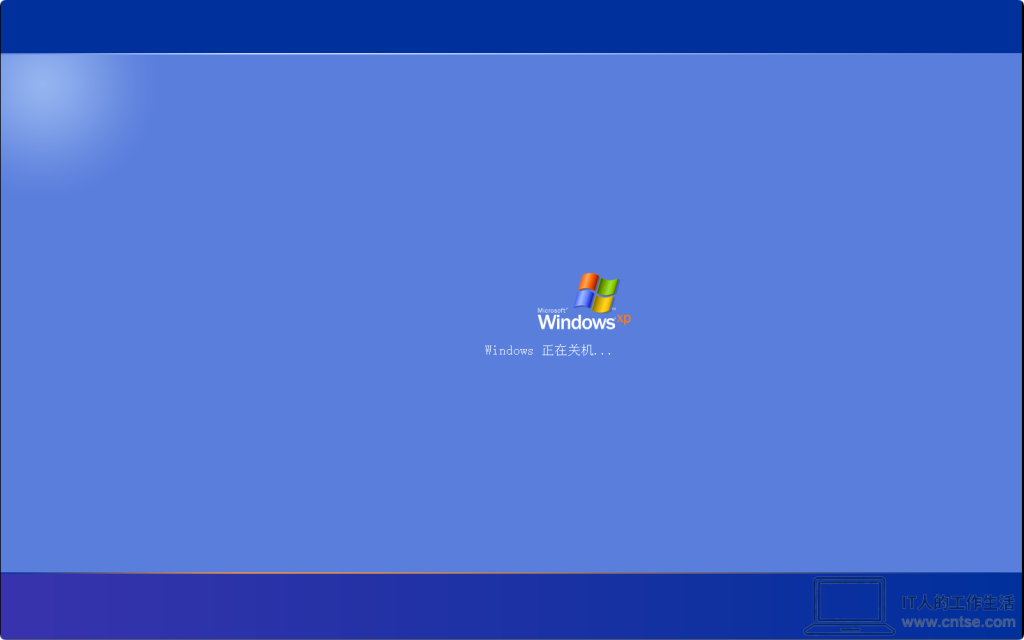
Windows XP 正在关机(欢迎屏幕模式)

提示:无论使用哪种模式,在 Windows XP 关机的时候能看到的有三个过程:正在注销(此时如果设置了关机音乐,会在这个阶段听到一段音乐)、正在保存设置、正在关机。

本文来自「IT人的工作生活 —— 分享IT技术实战经验,欢迎访问首页获取更多内容。如需转载本站的文章,请先通过电子邮件的方式联系站长,站长确认后方可转载,并需要注明出处。

为您推荐